- Navigate, using the top navigation bar, to Settings > Users
- Click the Users, if not already displayed
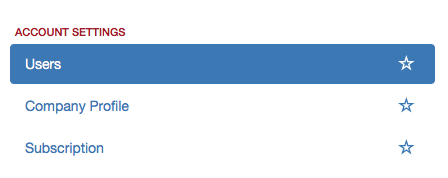
- Click the blue Create button
- A screen with the user form will appear
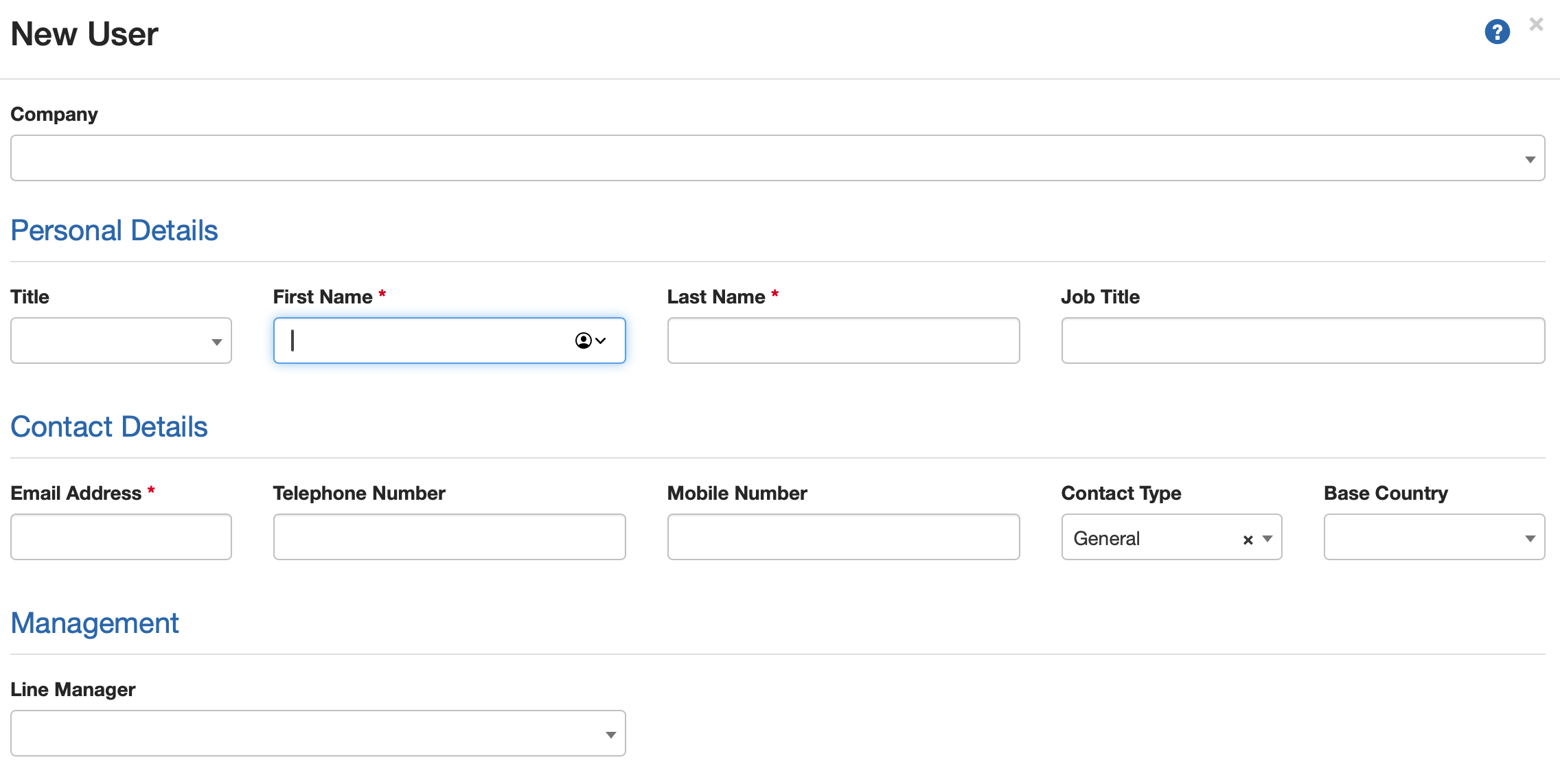
- Complete the form
- [OPTIONAL] Only complete the Settings section if you are going to be using the Holiday Management module
- You must select at least one user role to assign to the user under Access Permissions
- [OPTIONAL] You can also apply estate access to a user if you only want the user to be able to see certain properties. See How to create an Estate Access Rule for more information.
- When you have finished, click Save
- The User is now added to your list of Users
Was this article helpful?
That’s Great!
Thank you for your feedback
Sorry! We couldn't be helpful
Thank you for your feedback
Feedback sent
We appreciate your effort and will try to fix the article